
 Live
Live


Live Auctions
Browse active products and place your bid in seconds.


Shop Products
Browse our shop products and buy directly.
 Shop
Shop
Kitchen
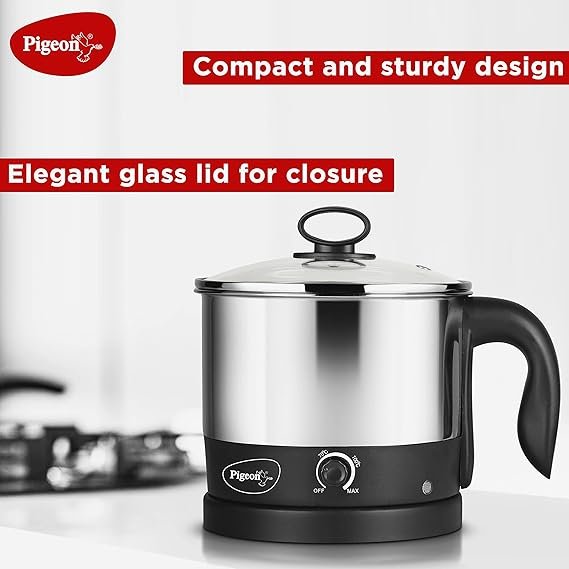
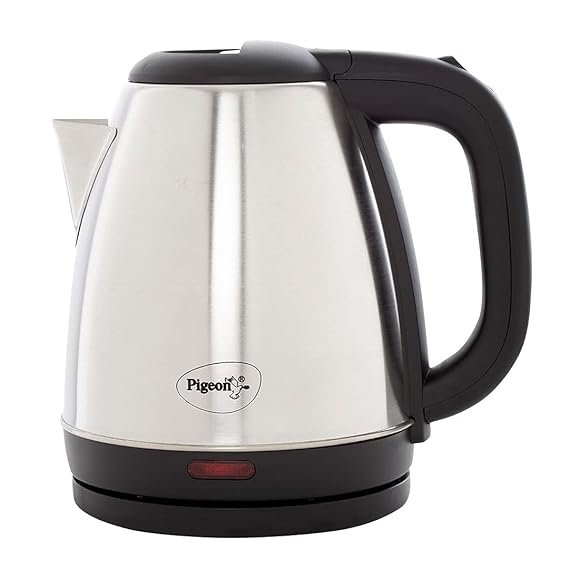
Pigeon Amaze Plus Electric Kettle
Rs. 1,299.00
Rs. 525.00
 Shop
Shop
Kitchen
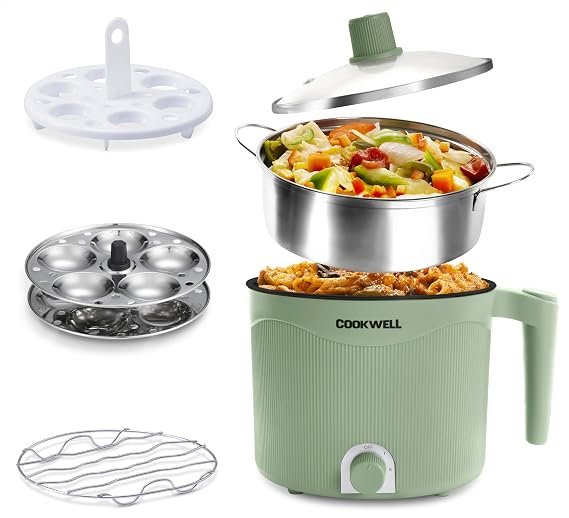
Cookwell Multipurpose Cook Kettle
Rs. 2,999.00
Rs. 1,199.00
 Shop
Shop
Kitchen
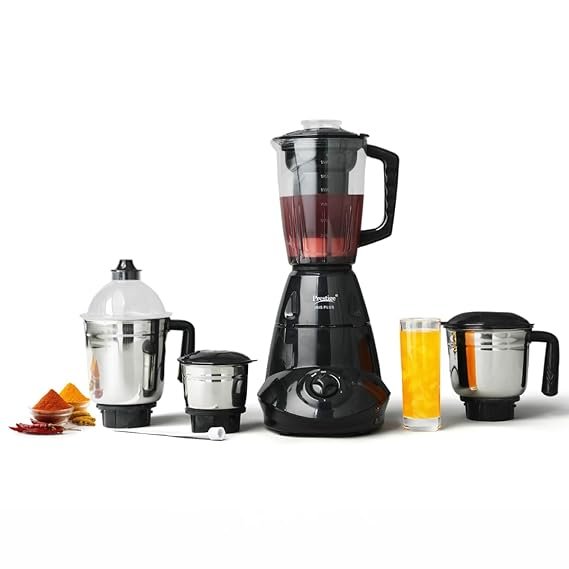
Prestige Iris 750 Watt Mixer Grinder
Rs. 5,999.00
Rs. 3,249.00
 Shop
Shop
Headphone
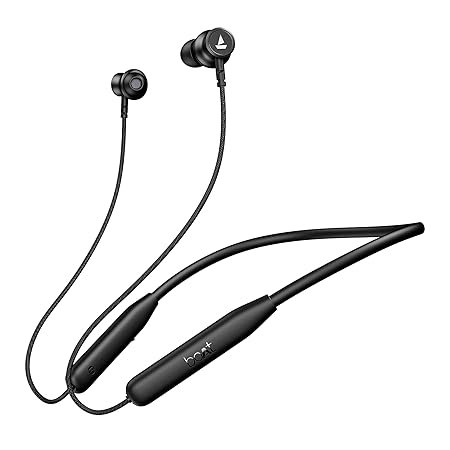
Boat Rockerz 421
Rs. 2,999.00
Rs. 1,499.00
 Shop
Shop
Watch
Noise Pulse 2 Max 1.85" Display, Bluetooth Calling Smart Watch
Rs. 2,999.00
Rs. 1,199.00
 Shop
Shop
Earbud
HAMMER Airflow Neo Earbuds
Rs. 1,299.00
Rs. 599.00

Kitchen Category
Browse and slide through kitchen category products here.
Kitchen
Kitchen
Pigeon Amaze Plus Electric Kettle
Rs. 1,299.00
Rs. 525.00
Kitchen
Kitchen
Cookwell Multipurpose Cook Kettle
Rs. 2,999.00
Rs. 1,199.00
Kitchen
Kitchen
Prestige Iris 750 Watt Mixer Grinder
Rs. 5,999.00
Rs. 3,249.00



How to Use
Four simple steps to start bidding on Bidhid.
Create Account
Register with your name, email, phone and password.
Browse Products
Admin added products appear automatically on the home page.
Place Your Bid
Enter your own amount and submit your bid instantly.
Track Bids
Each product shows total bids, users and highest amount.
About Us
Learn more about our mission and values

Welcome to Bidhid
Bidhid is a trusted online bidding platform that connects registered users with live products from our admin-managed catalog.
Our mission is to bring you a simple, secure and transparent bidding experience — register once, pick a product, and bid with confidence.
Frequently Asked Questions
Quick answers about registration, bidding and account usage.
How do I register on Bidhid?
Click Sign Up or Register to Bid on any product. Fill your name, email, phone and password. After registration you are logged in automatically and can start bidding.
Do I need to login every time?
Once you register or login, your session stays active until you logout or close the browser. Use the Login button in the header if you already have an account.
How do I place a bid?
Go to Live Auctions, choose a product, enter your bid amount and click Bid Now. You must be registered and logged in to place a bid.
Can I bid without registering?
No. Registration is required to keep bidding fair and secure. Guests see a Register to Bid button on each product until they create an account.
Where can I see the highest bid?
Each product card shows total bids, number of users and the current highest bid amount in real time.
Who adds products on the platform?
All products are added and managed through the admin panel. New items appear on the home page automatically once published.